Documentation
Bloom Records
Record, replay, and fine-tune automation sequences with Bloom Records.
Overview
Bloom Records lets you capture interactions and replay them reliably.
Installation
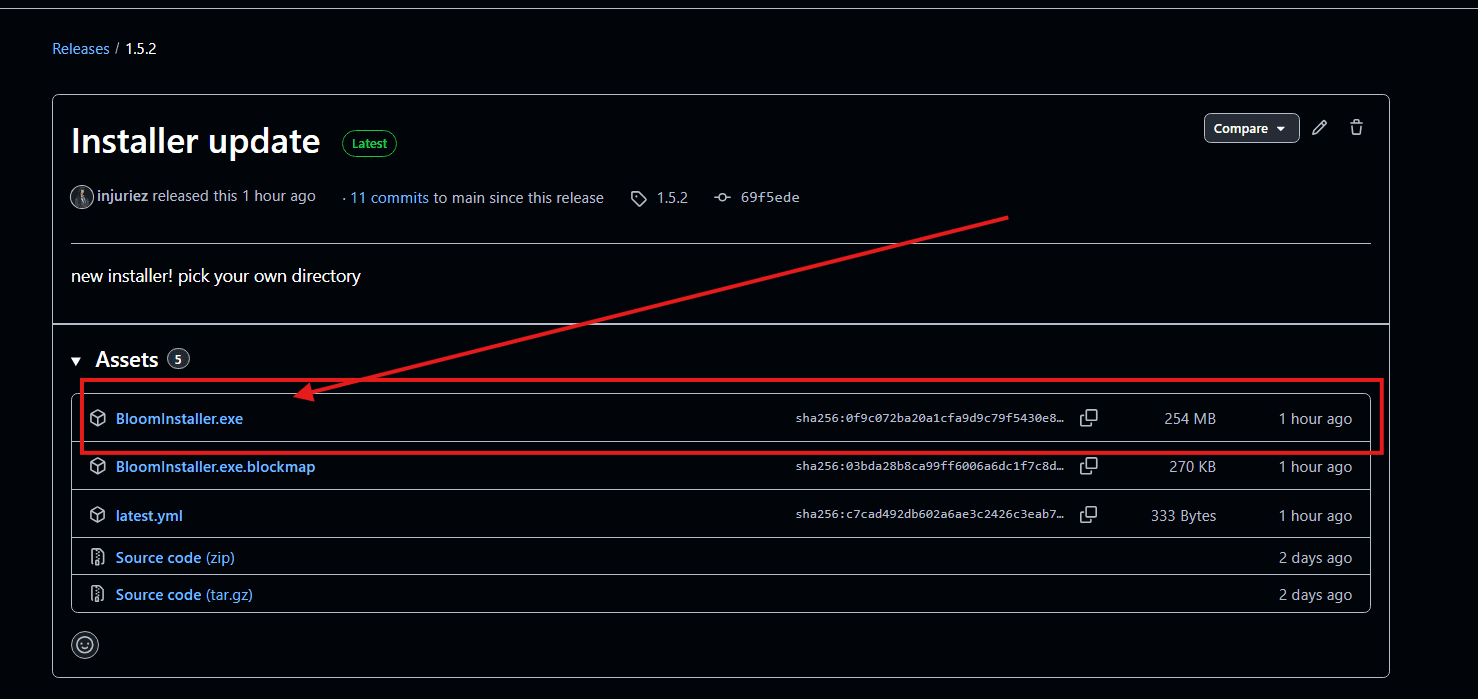
Get the code from the official repository:
github.com/injuriez/BloomOpen in GitHubOpen ↗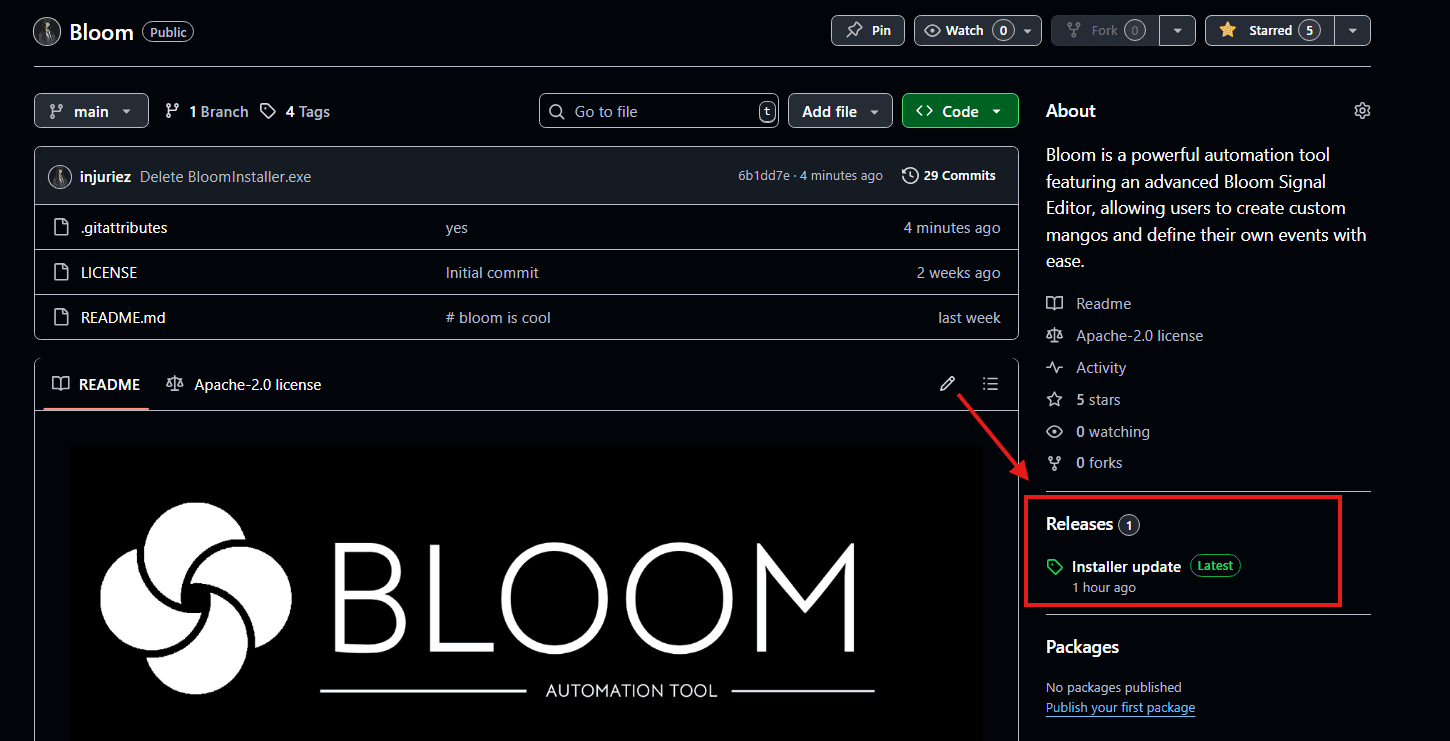
Bloom Vs Other Applications
People always ask us, "What makes Bloom different?" or "Why should I choose Bloom over other tools?"
Bloom
Zero Delays
10x Faster
Constant Updates
Sleek Design
Custom Events
Automatic Saves
Community support
OTHER TOOLS
Delays (Not mean't for long tasks)
10x Faster
Updates once every blue moon
Sleek Design
Custom Events
Automatic Saves
Community Support
Troubleshooting
Windows Defender may flag Bloom as a potential threat due to its automation capabilities. This is a false positive.
Why does this happen?
Automation tools like Bloom can trigger heuristic detection because they simulate user input. This is common with legitimate automation software and does not indicate malicious behavior.
How to whitelist Bloom
- Open Windows Security
- Go to Virus & threat protection
- Click "Manage settings" under Virus & threat protection settings
- Scroll down to Exclusions and click "Add or remove exclusions"
- Click "Add an exclusion" and select "Folder"
- Navigate to your Bloom installation directory
Is Bloom safe?
Yes, Bloom is completely safe. Our team has been trusted by other developers and creators, influencers!